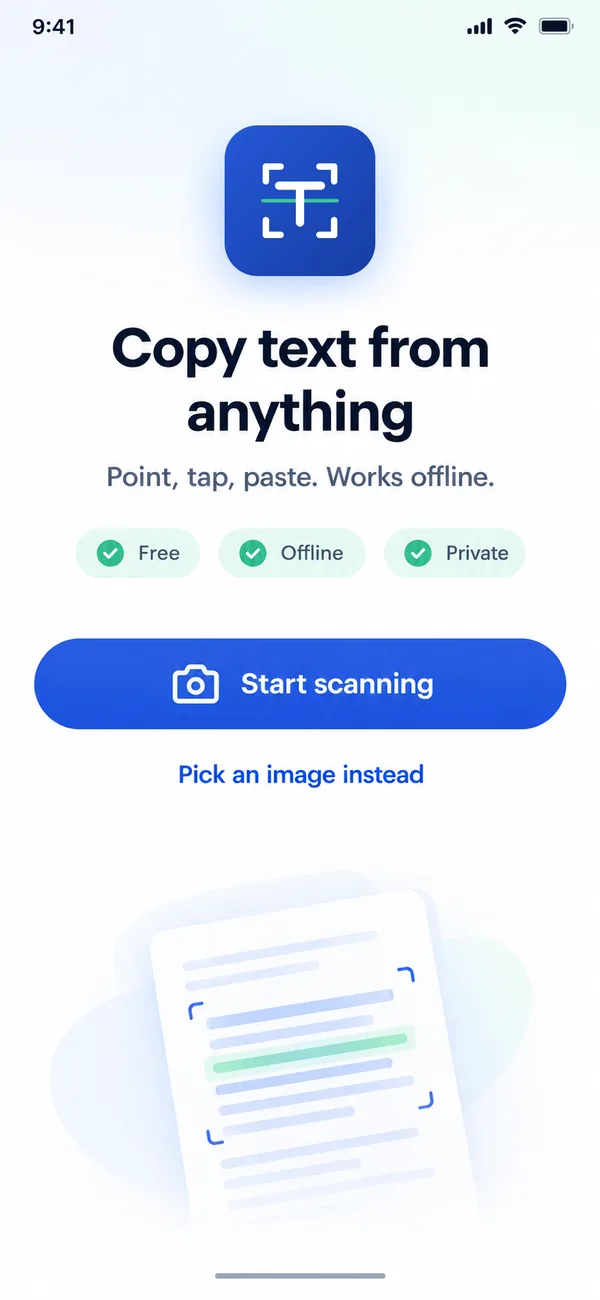
✓ Free · Works offline · No sign up
Copy text from paper in one tap. No internet needed.
Copy Text is the offline text scanner for Android. Point your camera at any page, tap a line, and paste it anywhere. Fast, free and private.

Android 8.0 and above · 100% free
-
100%
Offline
-
0
Uploads to any server
-
2 sec
From paper to clipboard
-
Free
No account needed
Why Copy Text
The fastest way to copy text from an image
-
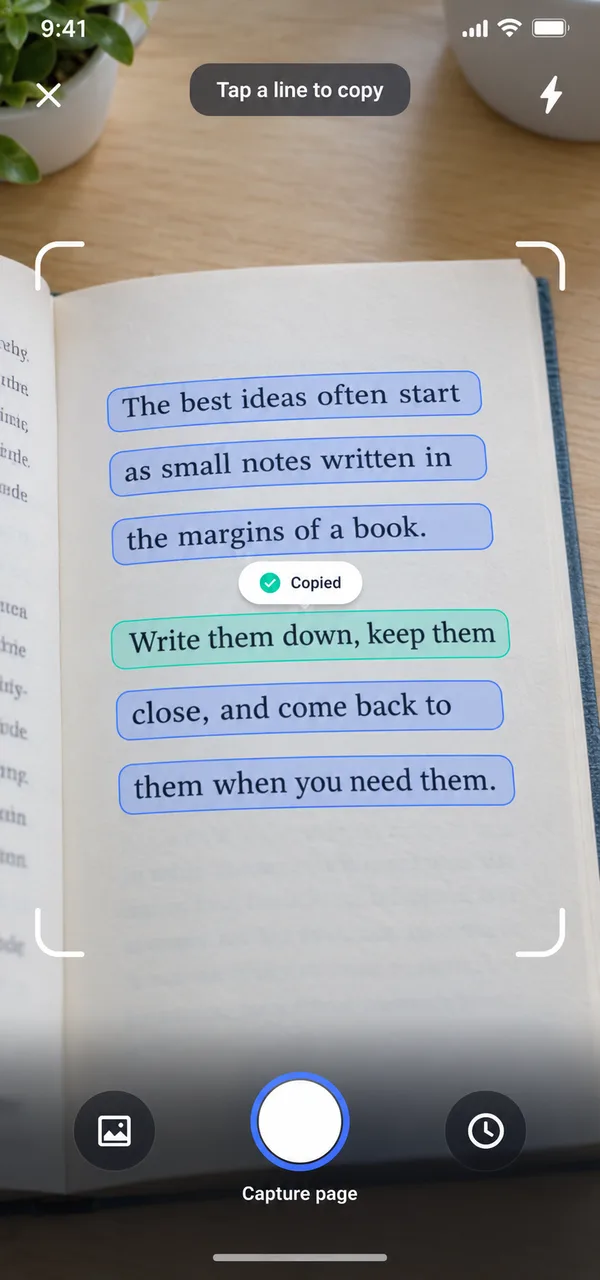
Live tap to copy
See text highlighted live and tap any line to copy it. No photo needed.
-
Works without internet
On a plane, in a basement or abroad. Text recognition runs right on your phone.
-
Private by design
No account, no uploads. Your scans stay on your device.
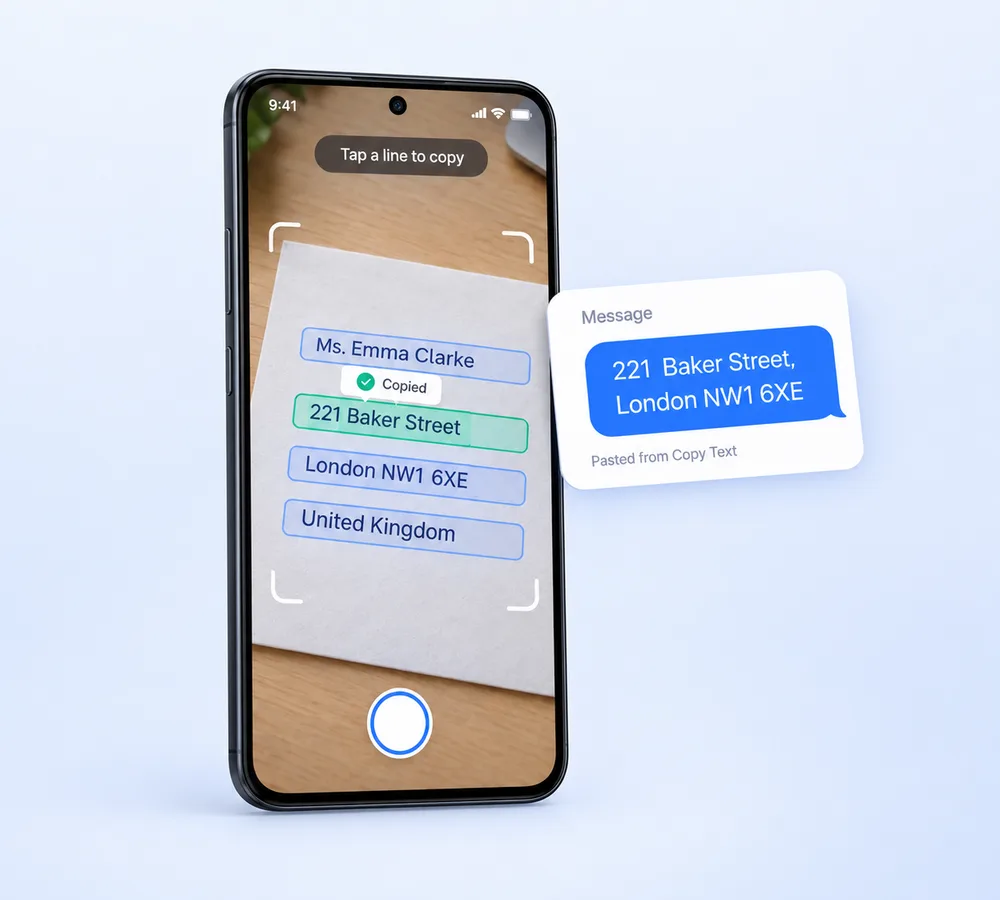
Point. Tap. Copied.
Scan text with your camera and copy it instantly
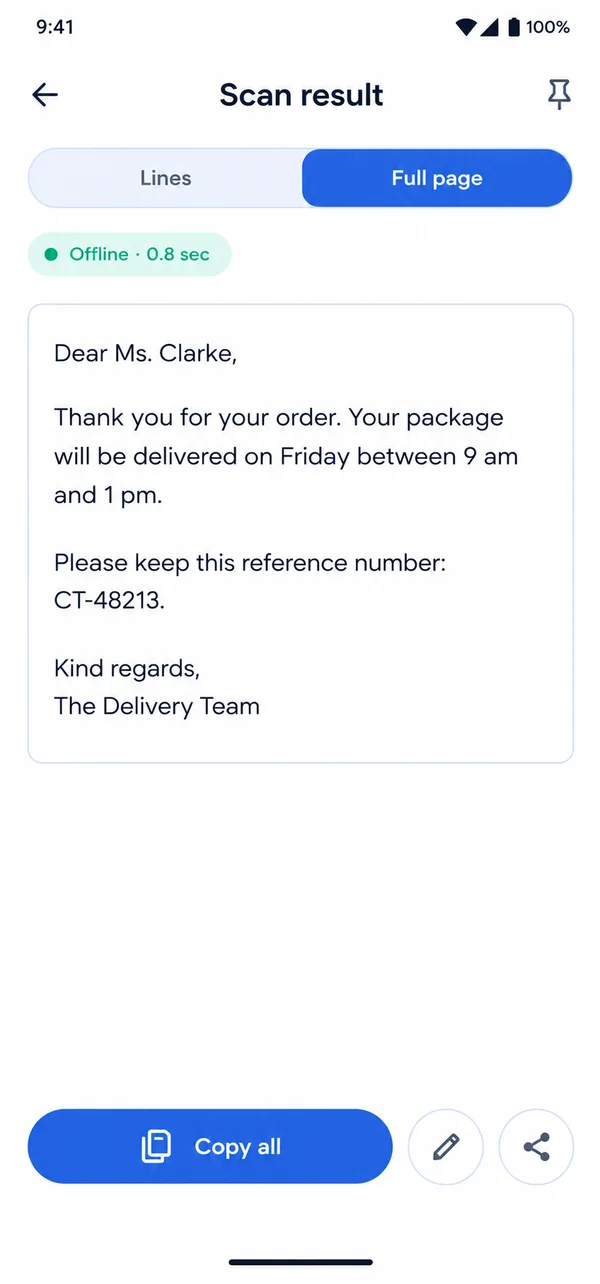
Stop typing long notes, addresses or codes by hand. Copy Text reads printed text in real time and highlights every line. Tap the one you want and it's on your clipboard, ready to paste in WhatsApp, email or notes.
- Copy one line, a few lines or the whole page
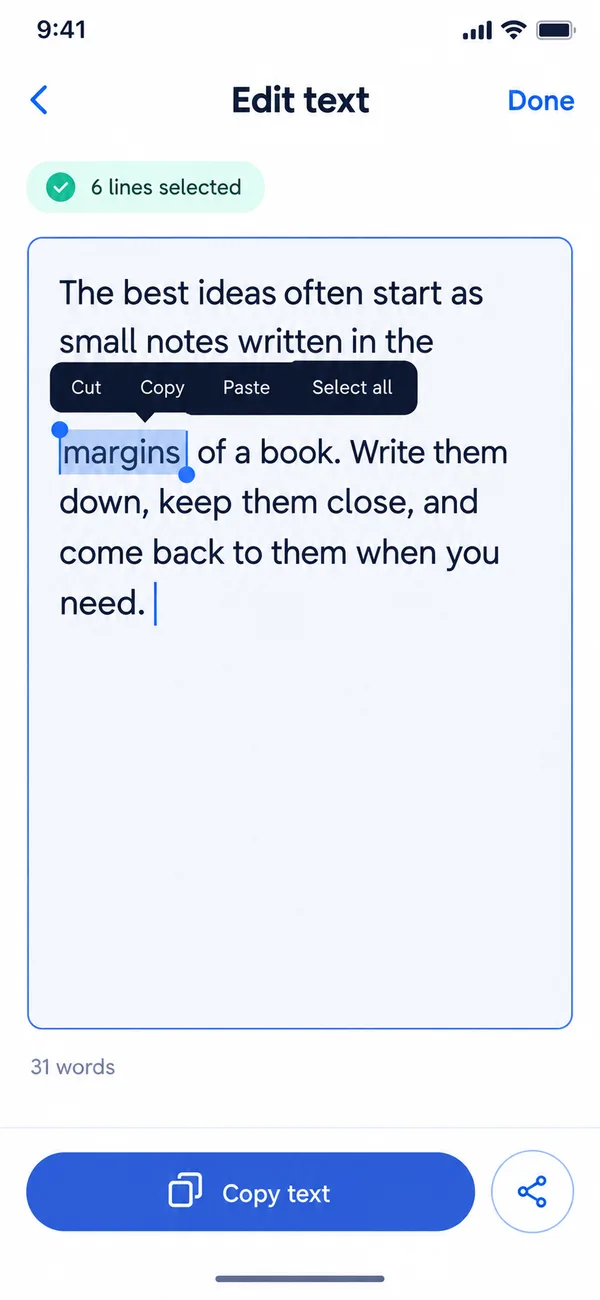
- Edit the text before you paste it
- Share straight to any app
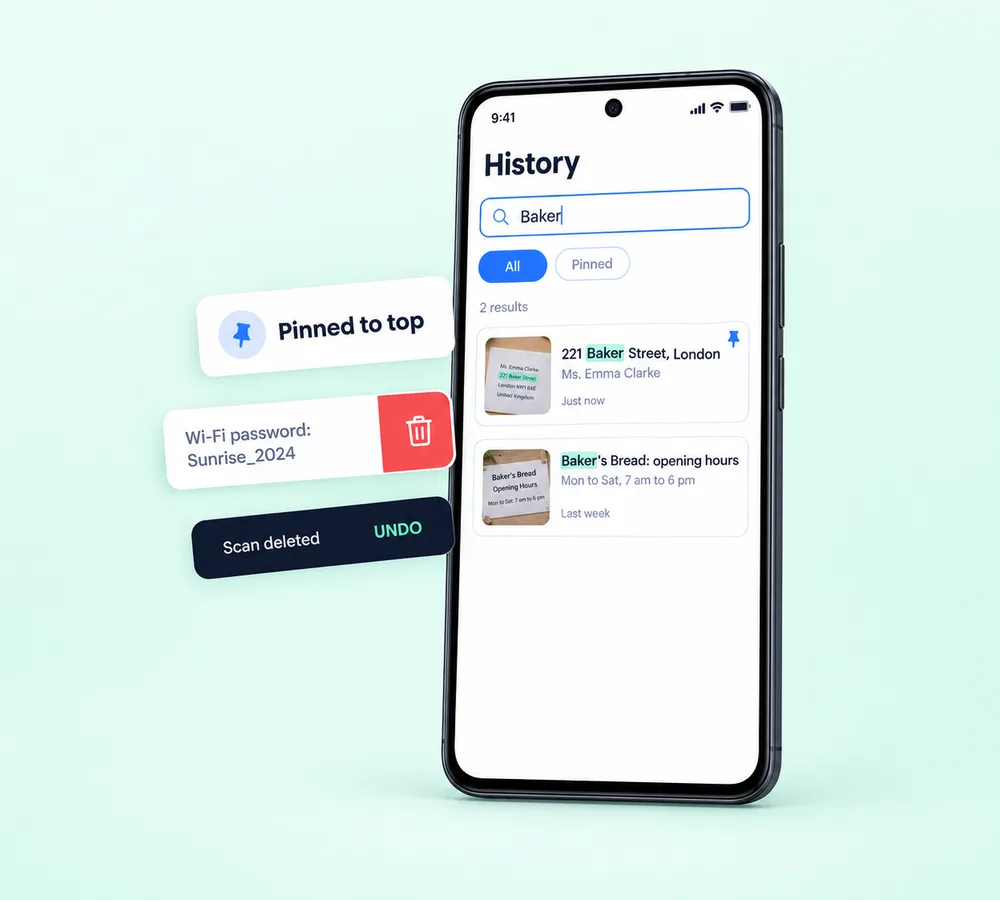
Never lose a scan
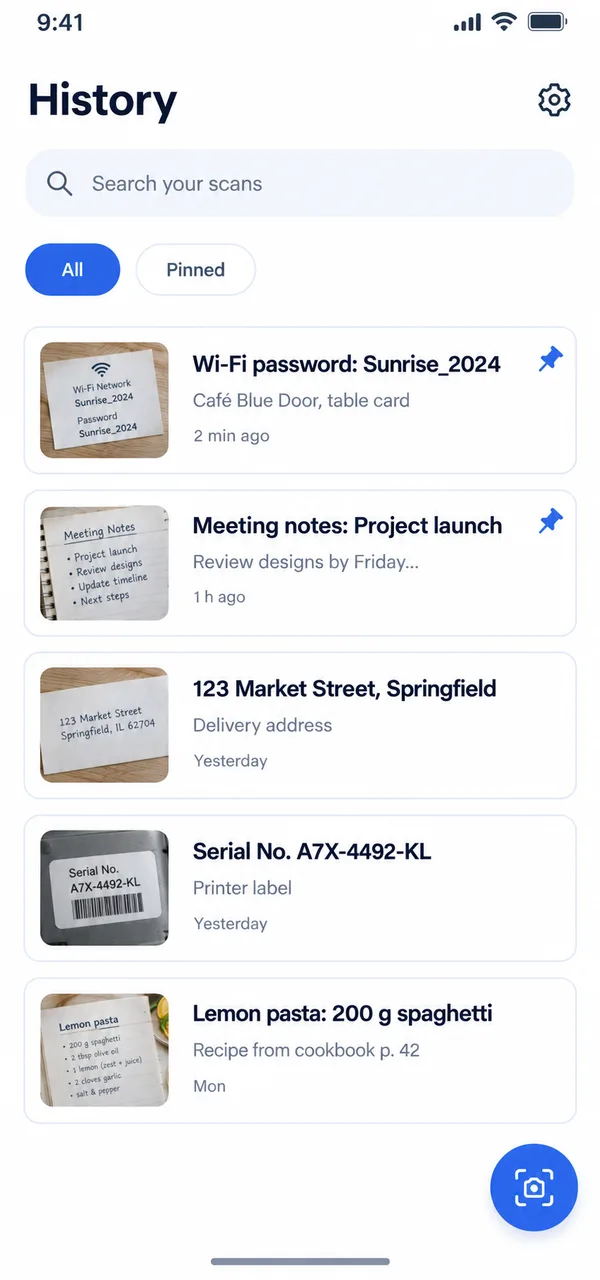
Every scan saved and easy to find
Each capture is saved to your history automatically. Search inside all your old scans, pin the important ones and copy them again in one tap.
- Search inside every scan
- Pin important scans to the top
- Swipe to delete, with undo
How it works
Copy text from a picture in 3 simple steps
- 1
Point
Open the app and point your camera at any printed text.
- 2
Tap
Tap a highlighted line, or capture the whole page.
- 3
Paste
Paste it anywhere. Done in about two seconds.
Everything you need
Small app. Big time saver.
-
Searchable history
Find any old scan in seconds.
-
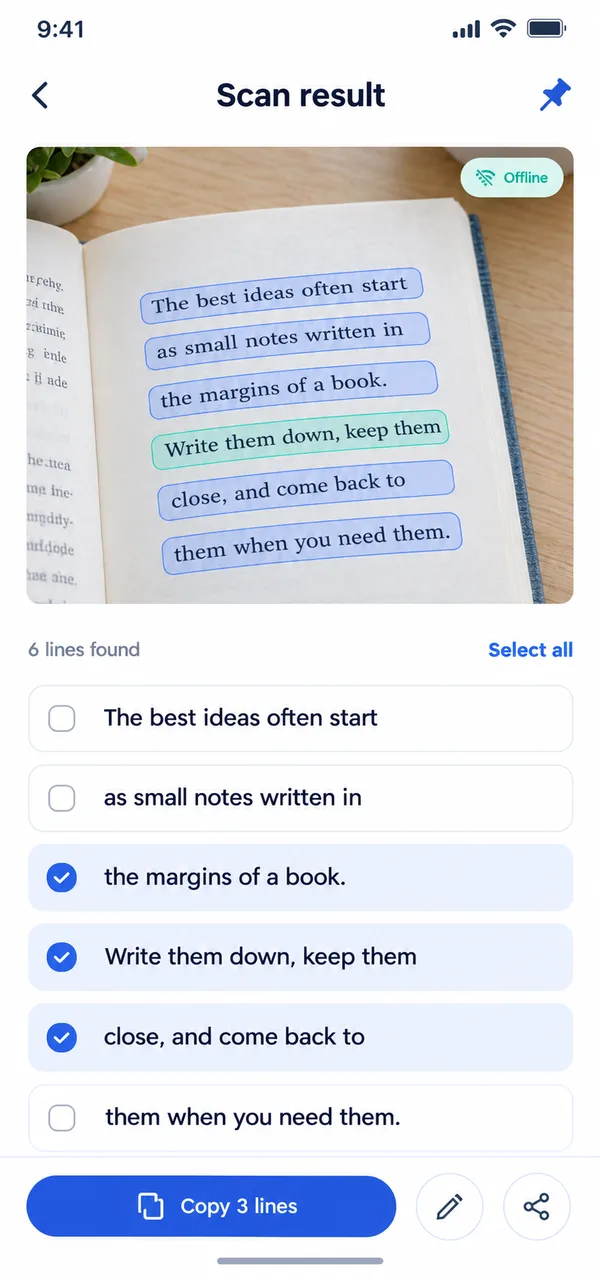
Copy only what you need
Select exact lines before copying.
-
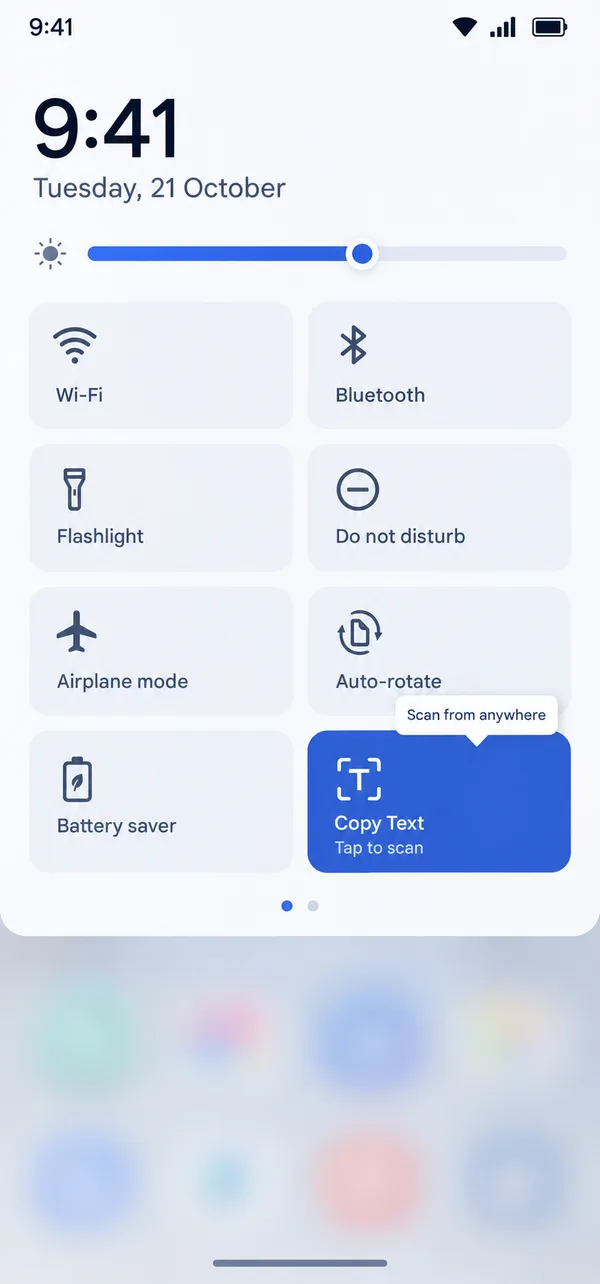
Quick Settings tile
Swipe down and scan from anywhere.
-
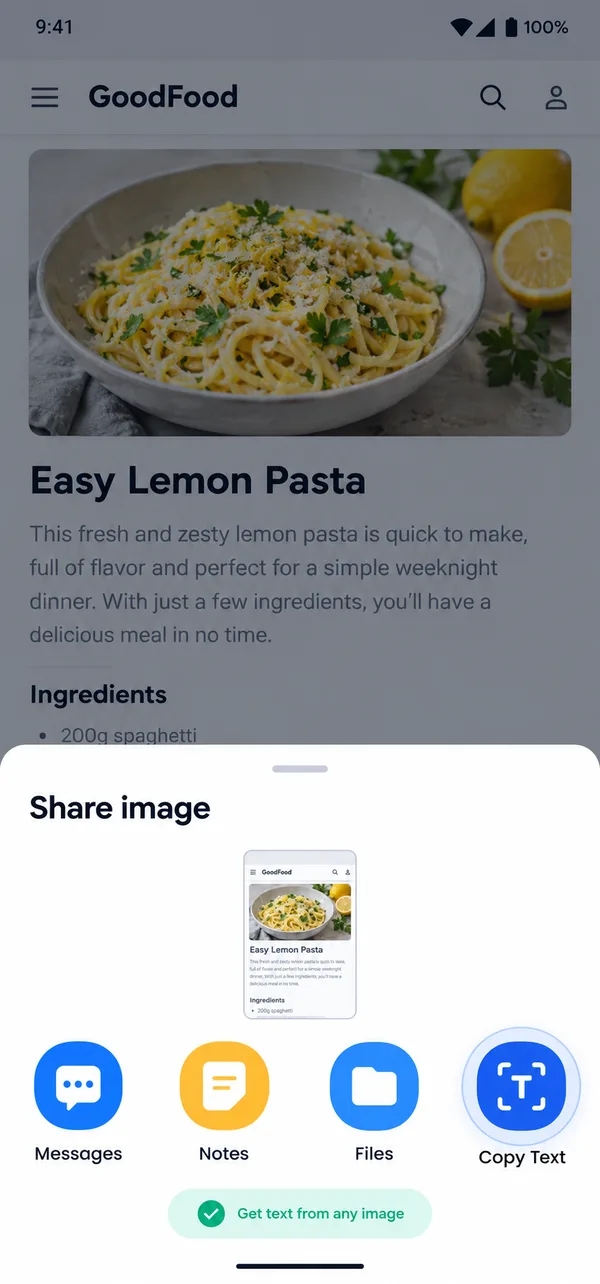
Scan your screenshots
Share any image to the app and get its text.
-
Edit before you paste
Fix any word, then copy or share.
Privacy first
Your text never leaves your phone
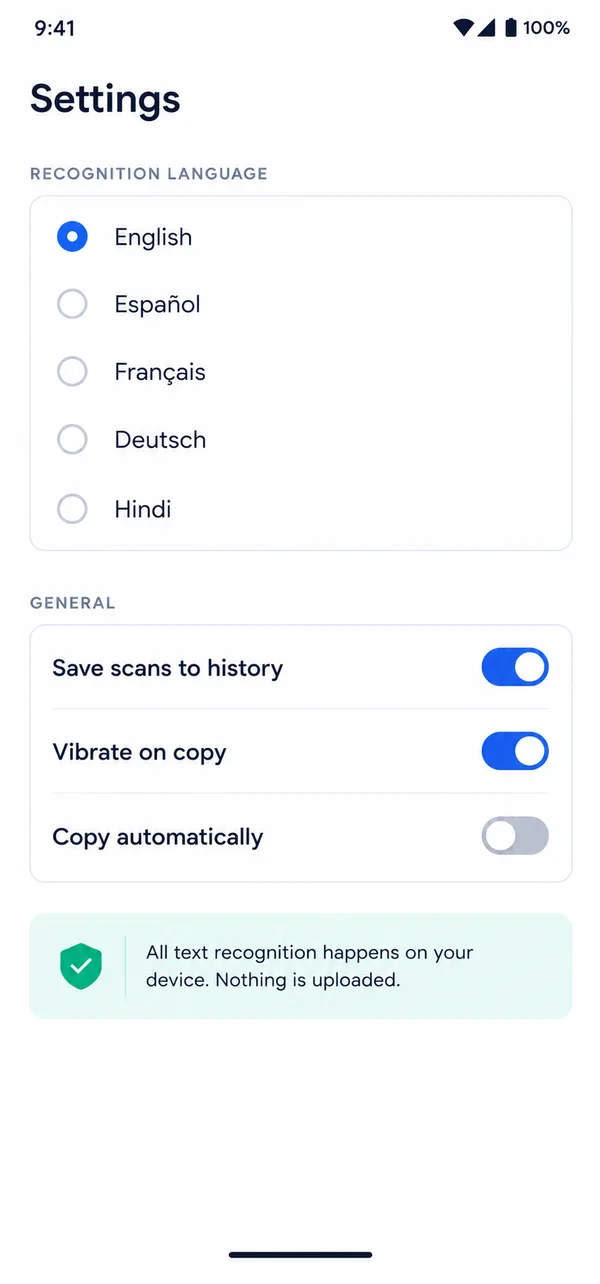
Copy Text reads text on your device, so your notes, documents and receipts are never uploaded anywhere. No account, no cloud, no tracking of what you scan.
- No sign up
- No uploads
- Works offline

Made for everyday life
Turn any printed text into text you can copy
-
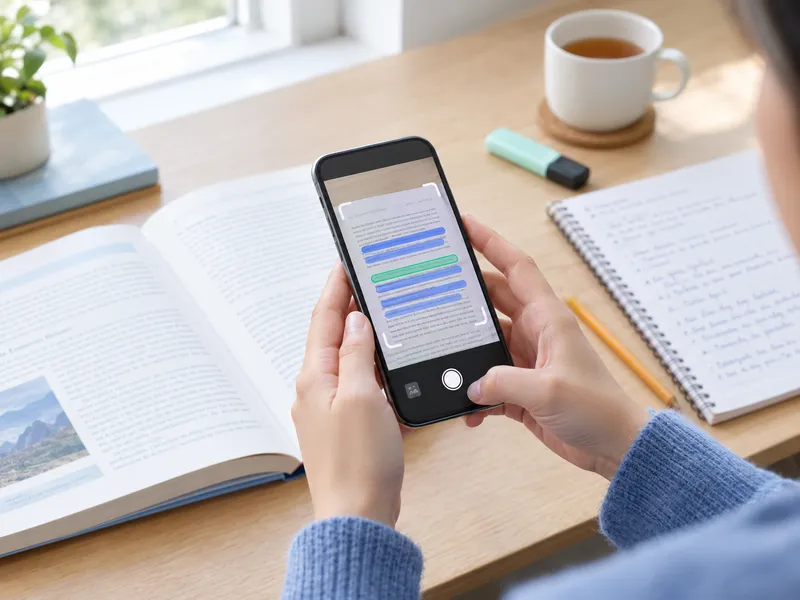
Students
Copy notes, quotes and pages from books in seconds.
-
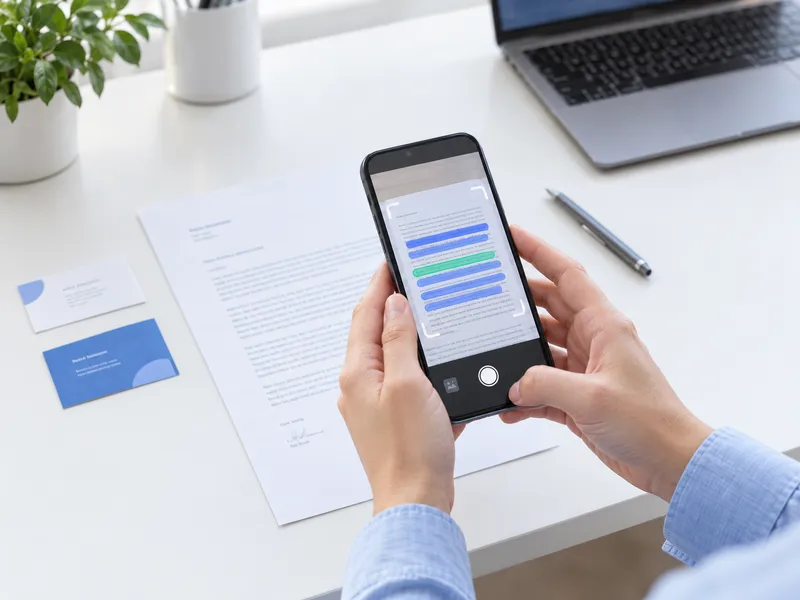
Office work
Grab text from letters, documents and business cards.
-
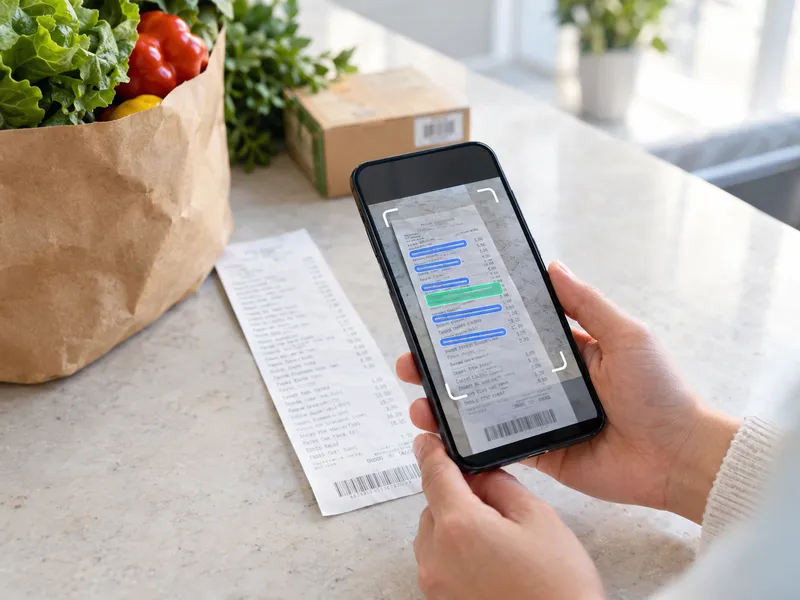
Shopping
Copy receipts, labels, serial numbers and codes.
-
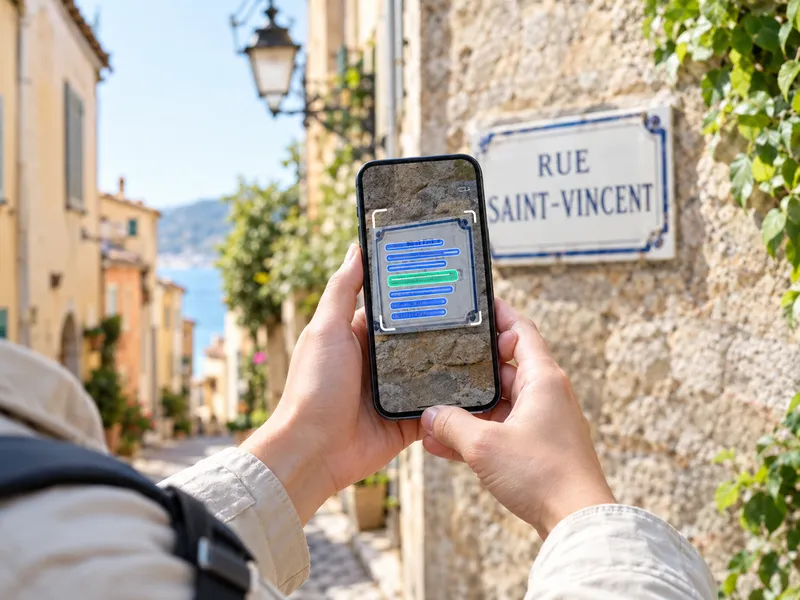
Travel
Copy signs, menus and addresses, even without data.
See it in action
Clean, simple and fast
FAQ
Questions people ask
Can I copy text from a picture without internet?
Yes. Copy Text reads text right on your phone, so it works fully offline, even in airplane mode.
Is Copy Text really free?
Yes, the app is free to download and use. It's supported by a few small ads, and there are never ads on the camera screen.
Are my scans uploaded anywhere?
No. Your photos and text stay on your device. We can't see them and nothing is sent to a server.
How do I copy text from paper to my phone?
Open Copy Text, point your camera at the page and tap the highlighted line you want. It's copied instantly and you can paste it anywhere.
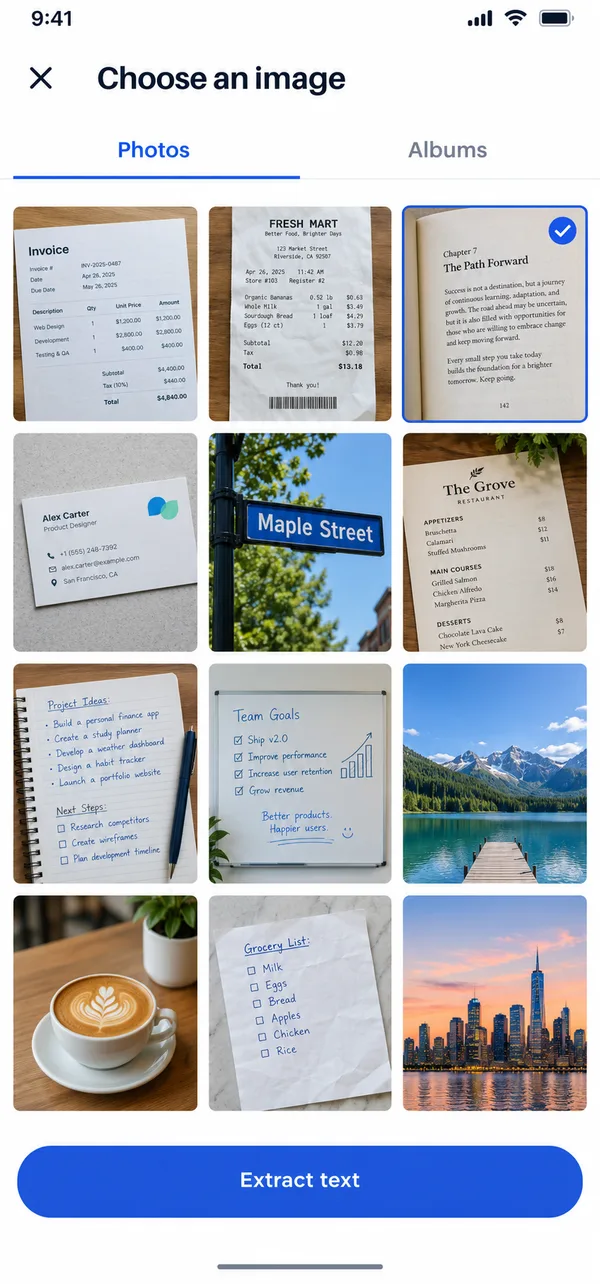
Can I extract text from a photo or screenshot?
Yes. Pick an image from your gallery or share a screenshot to the app, and it will pull out the text for you.
Does it read handwriting?
It works best with printed text. Neat handwriting often works too, but results can vary.
Which languages does it support?
English and other Latin based languages like Spanish, French and German, plus Hindi.
Where are my old scans saved?
In the History screen inside the app. You can search, pin, copy or delete them anytime.
Stop typing. Start copying.
Get Copy Text free on Google Play and copy text from anything in seconds.

Copy Text
Free · Offline